
Frequently Asked Questions
How do I book?
All booking’s for spaces or hot desks can be made via the booking tool here.
Simply choose your desired space, complete the form, enter payment details and confirm your booking! You will receive a confirmation email shortly after.
Simply come in on the day of your booking and choose your perfect hot desk suited to you. Your meeting room or boardroom will be open and waiting for your arrival.
How do I access the building?
The Hive concierge is open from 9am-3pm Monday-Friday. However, if we are not present, give us a call and we can let you in remotely!
If you are a regular user of the Hive, we can set you up with Kisi App access and you’ll have the freedom to come and go from the Hive as suited.
Can we use the kitchen?
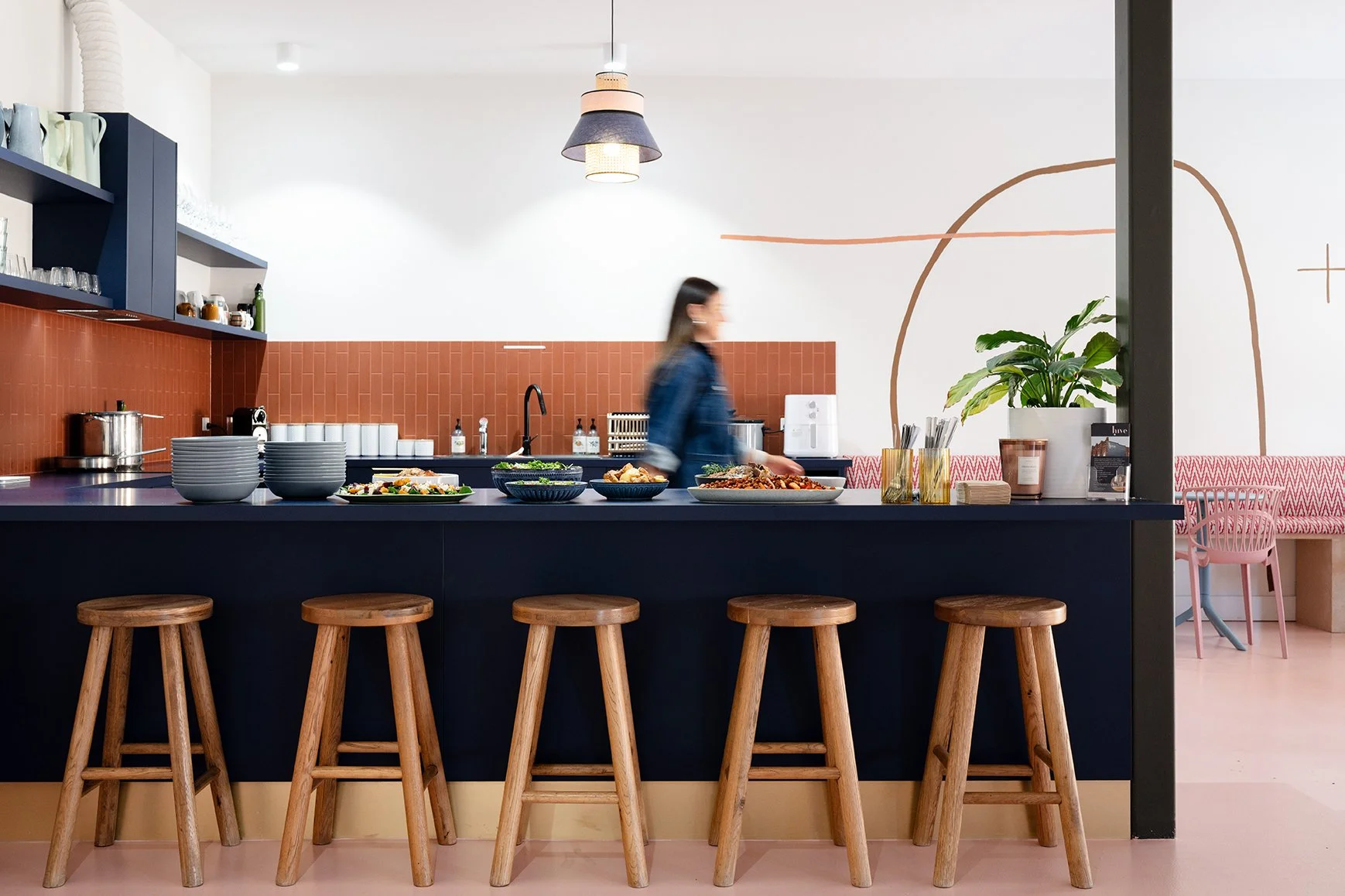
The Kitchen is available for use for all members of the Hive. Please help yourself to the coffee machine, assortment of tea’s and milk in the fridge.
As well as the use of toaster, sandwich press and microwave!
All we ask in return is that you respect our space and place all plates, cups and cutlery in the dishwasher and wipe down the benches after use.
What is the Wi-Fi password?
Upon arriving to your designated space at the Hive - you will find the Hive Visitors password on your desk.
How do I print something?
See concierge for printing needs. Email hello@hiveorange.com.au your document to be printed and we will get it sorted for you.